A tour of the system, screen by screen
8 screens from the running system, in the order a lab uses them. Every image is a real screenshot of the app with demo data and fictional patients.
Step 1 of 8
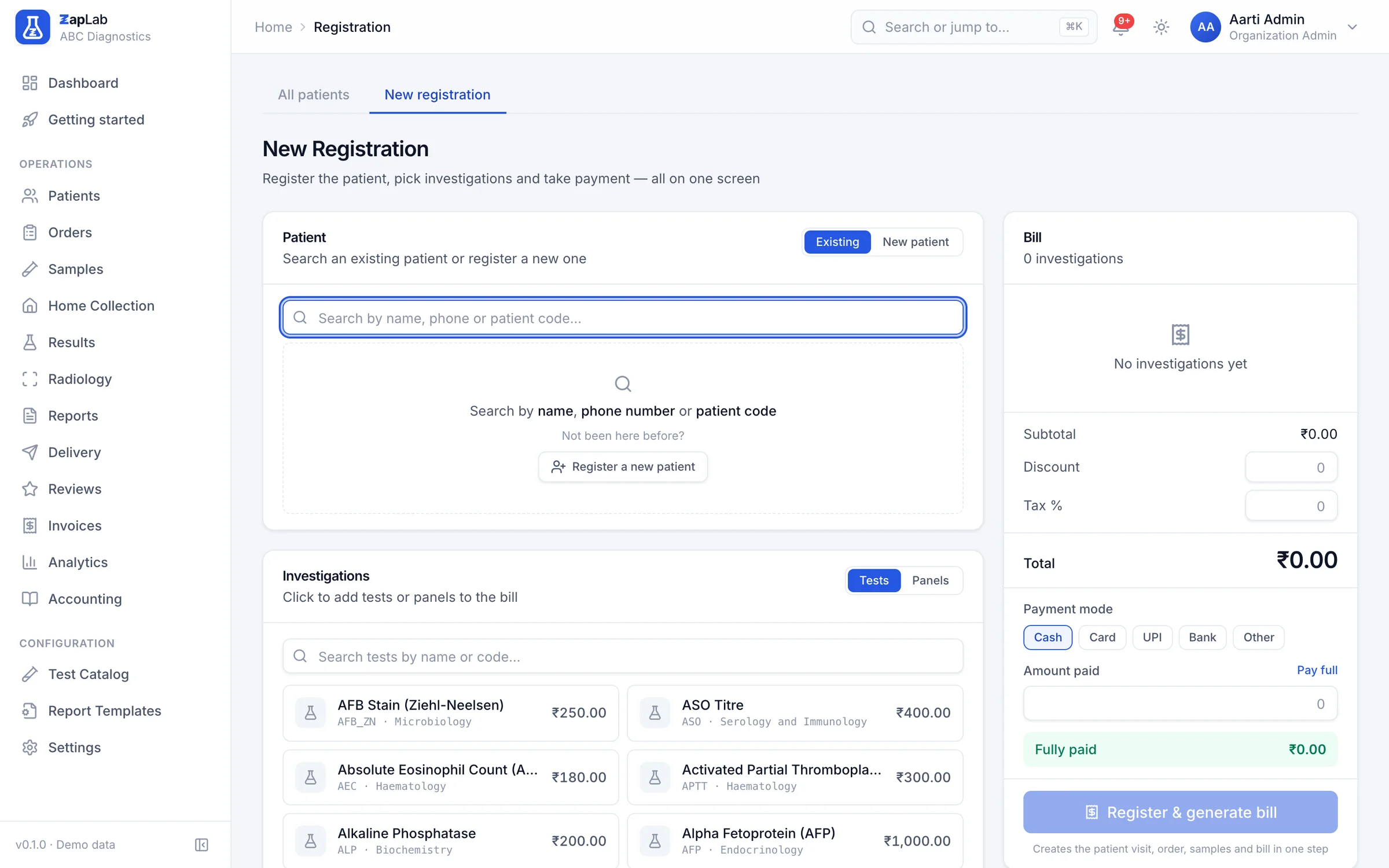
Register
Find the patient or add them, pick tests and panels with the prices your branch charges, and raise the bill on the same screen.
Set up your lab this afternoon.
Create your organisation, add your tests, print the first barcode. If you would rather see it first, ask for a walkthrough.