Result entry, flags and validation
Results are typed once and the system does the rest: it picks the reference range that fits the patient in front of you, marks what is high, low or critical, fills in the calculated parameters, and refuses to let anything reach a patient without a sign-off.
One screen per sample, with the previous value beside the new one
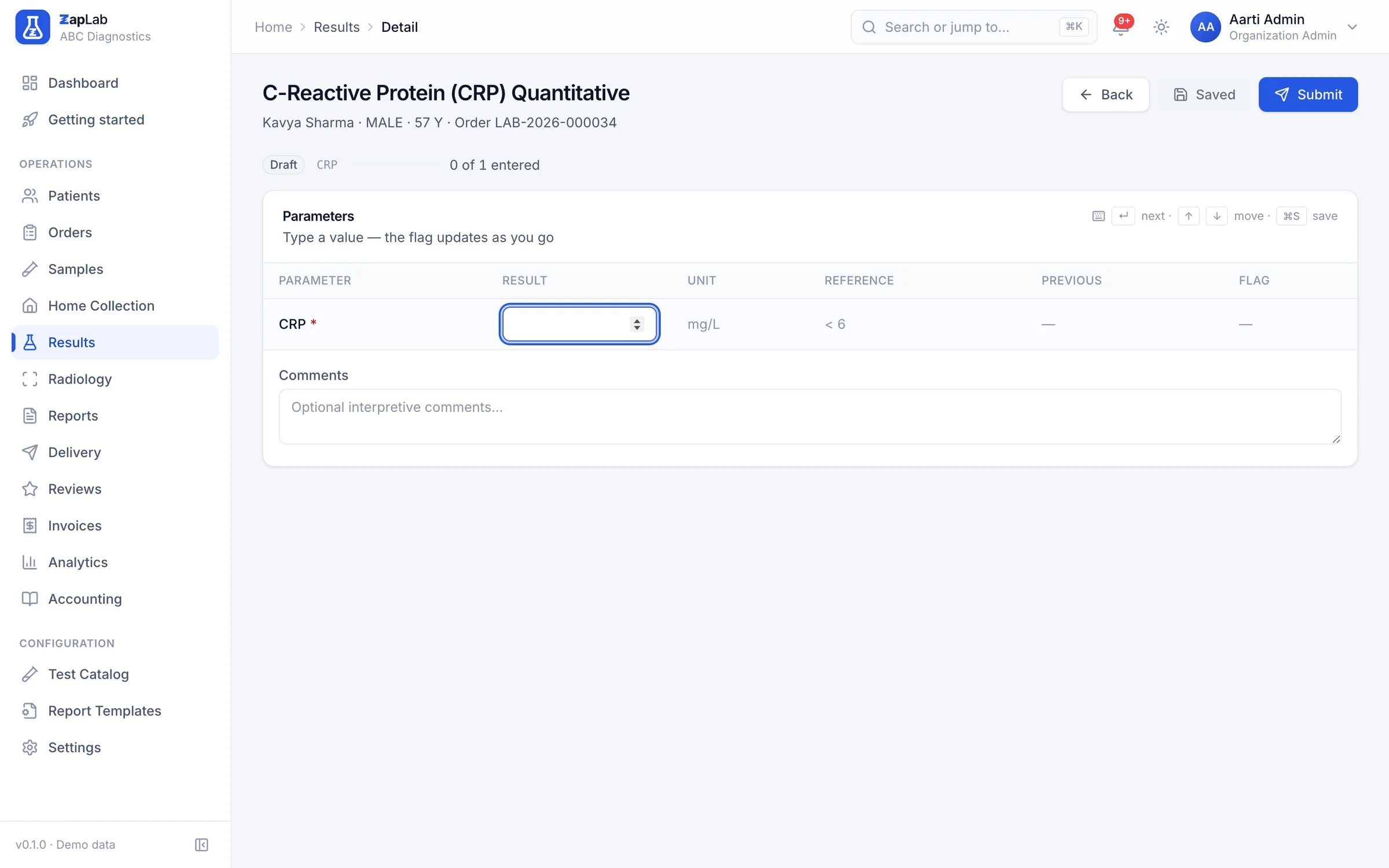
Result entry lists the parameter, the value you are typing, the unit, the reference range that applies to this patient, the previous value for the same parameter, and the flag. The previous value is fetched for you, which is how a technician notices that a haemoglobin has moved four points since last month.
Result entry reads the previous value for a parameter through its own endpoint.
The most specific reference range wins
Ranges are rows, not code: each row can carry a sex, an age band, a low and high value, critical limits and a priority. The engine keeps only the rows that match the patient, then ranks them by priority, then by sex, then by how narrow the age band is, and uses the winner. Sex-specific reference ranges ship where they apply; add age bands per test. The shipped library covers 8 departments.
Flags and critical limits are computed, not typed
High, low and critical flags come out of the matching range as the value is saved, so nobody decides by eye. Critical values are surfaced separately for the reviewer instead of sitting in a list of ordinary results.
Calculated parameters, including the ones that need the patient
Formulas are parsed into an expression tree, never evaluated as code, so a formula can be validated and its dependencies listed before it is saved. Alongside sibling parameters, a formula may read the patient’s age and sex, which is what makes an eGFR expressible at all. The library ships 26 parameters that fill themselves in this way.
Draft, verify, approve, release
Each transition is a separate permission, and each is recorded with the person and the time. The printed values and ranges are frozen at approval, so editing a master later shows up as an amendment rather than silently rewriting a report a patient already holds.
Approval freezes the display values, and each workflow step is permission-checked and audited.
Analyser result import
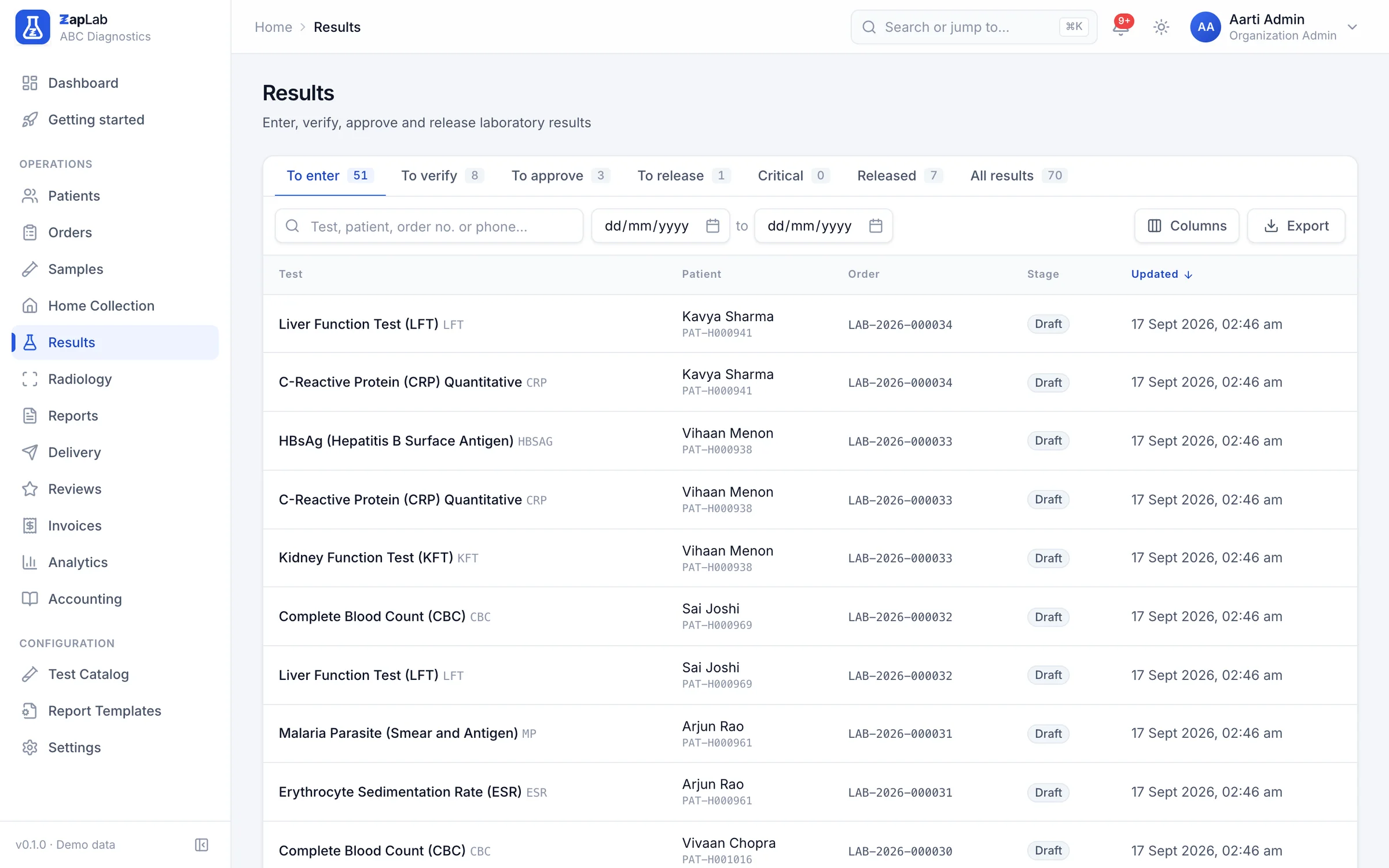
Map each analyser test code to your catalogue once. Results then arrive as CSV rows or through the API and land on the barcoded sample, with anything unmapped reported back to you rather than dropped. HL7 and ASTM parsing is planned, not shipped.
Ingestion maps analyser codes and returns the codes it could not place; HL7 and ASTM parsing is not in the hosted service yet.
What this does not do yet
Labs ask for all of these. None of them work today, so none of them are counted as features anywhere else on this site.
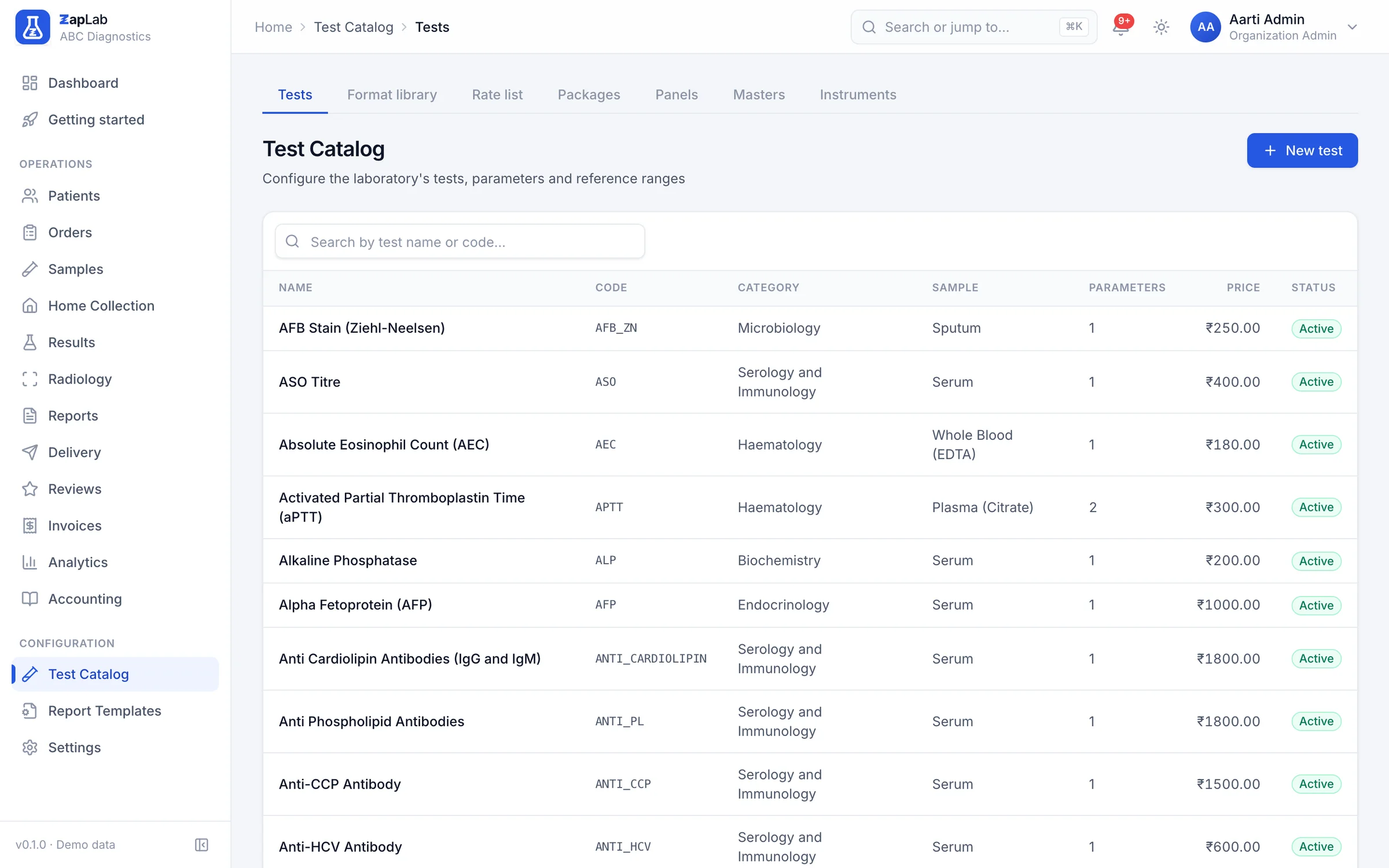
- Age bands are yours to add. The shipped library has exactly one age-banded reference range; everything else is either sex-specific or applies to all patients.
- No instrument auto-discovery. Nothing on your network is detected for you, and each analyser code is mapped by hand once.
- No HL7 or ASTM listener anywhere yet. A small local bridge next to the analyser is planned; today, analysers that export CSV are the path in.
- No quality control module. There are no Levey-Jennings charts and no Westgard rules. The previous value and the change from it are shown at entry, but nothing blocks a result on that basis.
- Critical results are flagged and queued in the app. There is no automatic telephone call list, SMS escalation or pager rota.
Where to look next
Two ways to check this page against something concrete: the formats themselves, and the comparison that covers this part of the product.
Related report formats
- Kidney Function Test (KFT) report format
Biochemistry · Serum · 4 h turnaround
- Lipid Profile report format
Biochemistry · Serum · 4 h turnaround
- Complete Blood Count (CBC) report format
Haematology · Whole Blood (EDTA) · 2 h turnaround
Compare
What Word and Excel do well, where this system wins, and the rows where it does not.
Set up your lab this afternoon.
Create your organisation, add your tests, print the first barcode. If you would rather see it first, ask for a walkthrough.